
Accessories
300 results
Accessories
300 results
Accessories
Satellite Phone Accessories: Power, Signal, Protection, Audio
A satellite phone is only as useful as the battery in it and the sky it can see. This section is organised by the problem you are solving, then by the handset you own.
Why satellite phone accessories matter more than the handset
The call that fails is almost never the network's fault. It is a battery that ran flat on day three, a handset used from the passenger seat with the antenna pointed at the headliner, or a phone that spent the night in a wet pack. Every one of those is an accessory problem, and every one is easy to fix before you leave.
Satellite phones need two things a cell phone does not. They need an unobstructed view of the sky, because the signal comes from orbit and does not pass through a roof, a windshield or a canopy. And they need to be charged in places where there is no outlet, because the whole point is to use them where the grid is not.
This page walks through the four problems in order: power, signal, protection and audio. Then it routes you to the accessories for your specific handset, because a 9575 Extreme battery does not fit an IsatPhone 2 and a GSP-1700 antenna does not plug into an IC-SAT100. If you already know what you own, jump straight to the shop by device section.
Power: spare batteries, chargers, solar and vehicle power
Start with the battery, because it is the single most common point of failure. The Iridium 9555 is rated for about 4 hours of talk and 30 hours of standby, and the IsatPhone 2 for up to 8 hours of talk. Those figures assume a healthy cell and mild temperatures. Cold cuts them hard, and a handset that has been hunting for signal in a valley all afternoon drains faster than one on a ridge. A second battery doubles your working time for the weight of a granola bar.
Next is how you refill. Every handset ships with an AC wall charger, and most ship with a DC vehicle charger. What most kits do not include is a way to charge a battery outside the phone. Single bay and four bay desktop chargers let a team keep spares topped up while the handset stays in the field, which is how fleets and response teams run rotations. The Globalstar GAC-1700 goes one step further and charges a loose GPB-1700 while powering the phone at the same time.
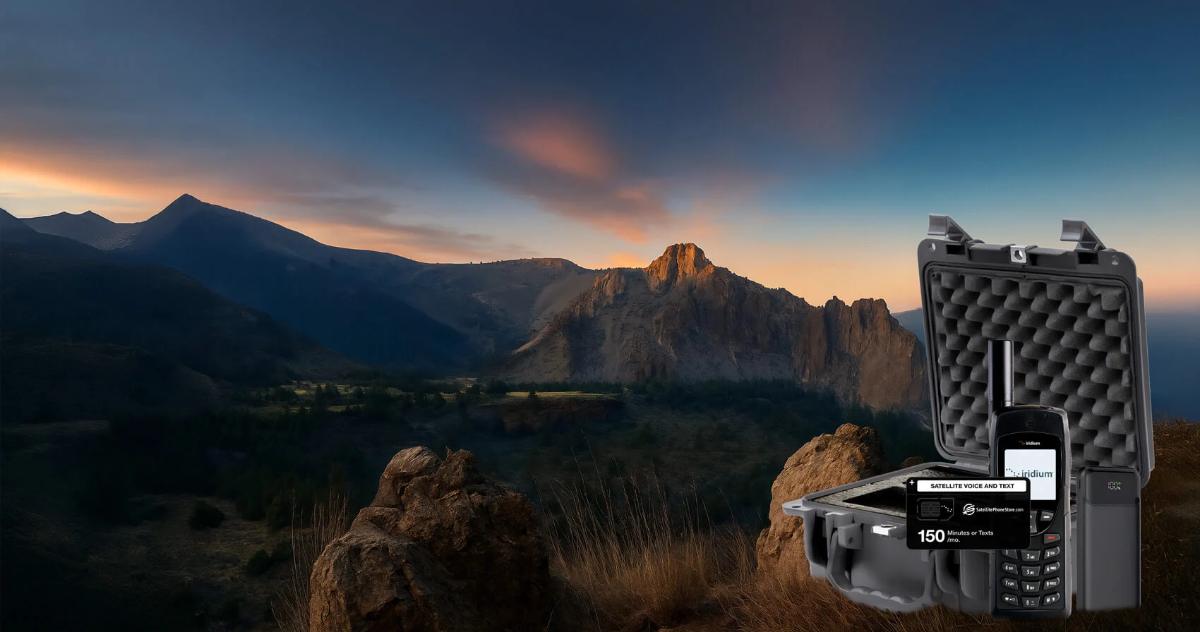
Away from any outlet, a USB power bank or a solar pack is the answer. The Deluxe Iridium Solar Kit pairs a 30,000 mAh solar battery pack with 5 V 2.1 A USB output and a T5000 hard case with pluck foam, and it charges any Iridium 9505A, 9555, 9575 or PTT handset over the standard USB cable. For anything bigger, a laptop, a BGAN terminal, a cabin, look at the power stations at Off-Grid Power rather than a phone accessory.
A 12 V DC charger keeps a handset alive on a long drive, but it does nothing for signal. To call from inside the vehicle you also need the antenna section below.
Signal: why a satellite phone indoors or in a vehicle needs an external antenna
Every handset antenna wants a clear view of the sky, ideally the whole sky. Inside a vehicle the roof blocks most of it. Inside a building or a wheelhouse it blocks all of it. An external antenna moves the receiving element outside, on the roof or the mast, and brings the signal to you down a cable. The handset then works from the driver's seat, the chart table or the site office exactly as it would standing in a field.
The pieces are simple. An antenna, a cable of the right length with the right connector, and an adapter that plugs into your particular handset. The Iridium 9555 uses a TNC female adapter that comes in the box. The Iridium GO uses a short TS9 to TNC adapter cable. IsatPhone 2 uses its own antenna kit. Match the adapter to the handset first and the rest follows.
Cable length has a hard limit. A passive antenna, the ordinary kind, works out to roughly 30 metres of coax before the signal is lost in the cable. Beyond that you need an active antenna, which has an amplifier in the base and runs on preset cable lengths from 27 metres up to 160 metres. Vessels and fixed sites with long runs from the mast to the office use active antennas. Vehicles and cabins almost never need one.
A magnetic mount antenna is the fast option for a vehicle: it sits on the roof, needs a flat steel surface to grip, and comes off when you park. Fixed screw mount and mast antennas are for permanent installs on boats, buildings and fleet vehicles. The 5 metre Iridium magnetic antenna, for example, is rated from minus 40 to plus 70 degrees Celsius and works with the 9505, 9505A, 9555, 9575 and GO.

Docking stations: turning a handheld into a fixed phone
A dock is an antenna connection, a charger and a mount in one housing, with extras depending on the model. The handset clicks in, stays charged, and uses the external antenna. Take it out and it is a portable phone again. Docks are how a satellite phone becomes the phone on a bridge, in a fleet vehicle, or in a remote office.
The extras are what separate the tiers. Entry level docks such as the Iridium 9575 Extreme LiteDOCK or the Beam IsatDock 2 Lite give you charging, an antenna port and a hands free jack. Drive docks add a built in GPS receiver, speaker and microphone for vehicle use. Pro and marine docks add an RJ11 telephone port so an ordinary desk phone or a PBX extension rings when the satellite phone does, plus Bluetooth and a privacy handset. The Beam IsatDock 2 Pro and Marine support RJ11 cable runs up to 600 metres and accept 10 to 32 V DC, which is why they suit vessels.
For the Iridium GO there is no dock as such. The GO wall mount bracket kit fixes the unit to a bulkhead or cabin wall, and with the GO antenna adapter and an external antenna it becomes a fixed hotspot for calls, texts and the GO's weather and email apps. It is not satellite internet and will not browse the web.
The ICOM IC-SAT100 has its own BC-247 docking station, covered on the ICOM accessories page. It connects an antenna and power and works with a speaker microphone rather than a telephone line.
Protection: cases, holsters and Faraday bags
Most satellite handsets are rated IP65, which means dust tight and protected against water jets, not immersion. The Iridium 9555, the 9575 Extreme and the IsatPhone 2 all carry IP65. The ICOM IC-SAT100 is IP67, rated for a metre of water for 30 minutes. None of them like being dropped on rock, and none of the screens like a pocket full of keys. A leather holster for daily carry and a hard case for transport are the two purchases that keep a handset working for a decade.
Hard cases come in sizes for a handset alone or a full kit with spare batteries, chargers and an antenna. The T5000 and the SE-300 have pluck and pick foam so you cut the cavities yourself. A grab and go emergency kit lives in one of these, charged and labelled, by the door.
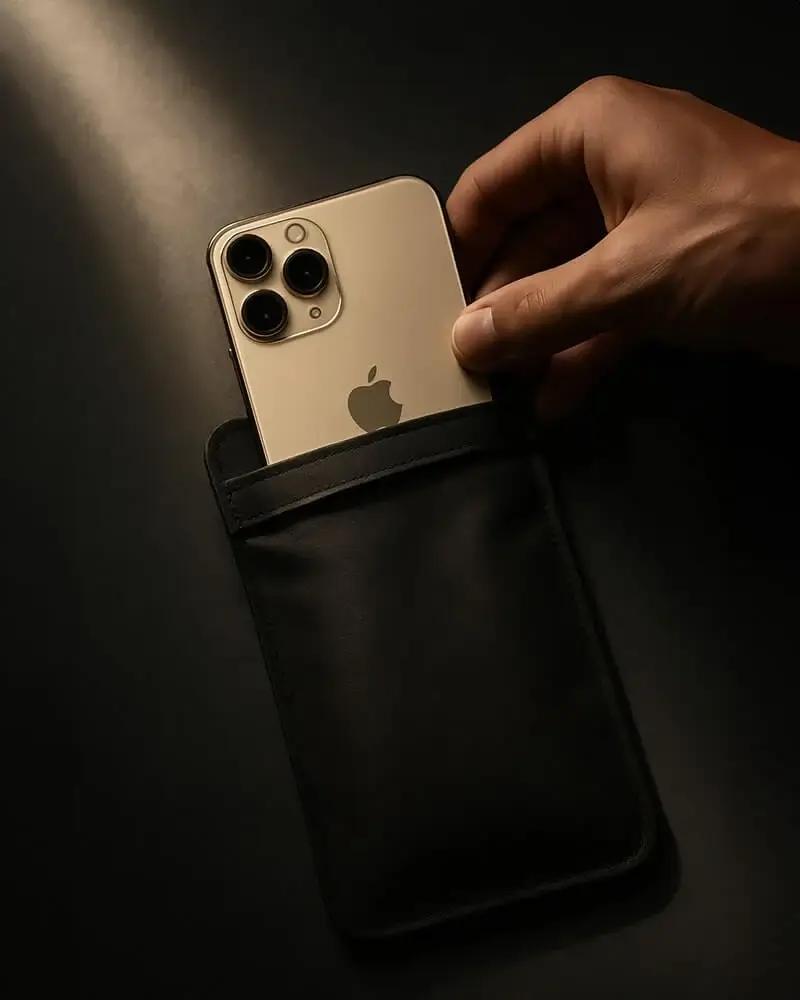
A Faraday bag is a different kind of protection. The EscapeZone satellite phone Faraday bag is a signal blocking pouch that the manufacturer states blocks cellular, GPS, Wi-Fi, Bluetooth and RFID. It is for people who need the handset unreachable and untrackable when it is not in use, and for keeping a fob or a phone isolated in transit. It does not protect the phone from water or impact, so it goes inside the hard case, not instead of it.
Audio and hands free: headsets, speaker mics and privacy handsets
A satellite phone held to your ear with the antenna vertical works fine standing still. It does not work while driving, while steering, or while wearing a helmet. Wired headsets plug into the handset's jack and let you keep the antenna up and both hands busy. The IsatPhone 2 ships with one; spares are on the IsatPhone page. The Globalstar GHB-1700 and the ICOM SP and HS series do the same job for their handsets.
Speaker microphones and privacy handsets belong to docks. A speaker mic such as the ICOM HM-222 clips to a collar and lets a radio stay docked. A privacy handset, such as the Sattrans model for Iridium docks or the Globalstar GPH-1700 for the GIK-1700 car kit, is a corded telephone handset that plugs into the dock so a conversation in a vehicle cab or on a bridge is not on speaker. The Beam IsatDock 2 Lite bundles include the ISD955 privacy handset for exactly this reason.
Shop by your device
Accessories are handset specific. Pick the brand you own and you will only see parts that fit it.
Iridium accessories
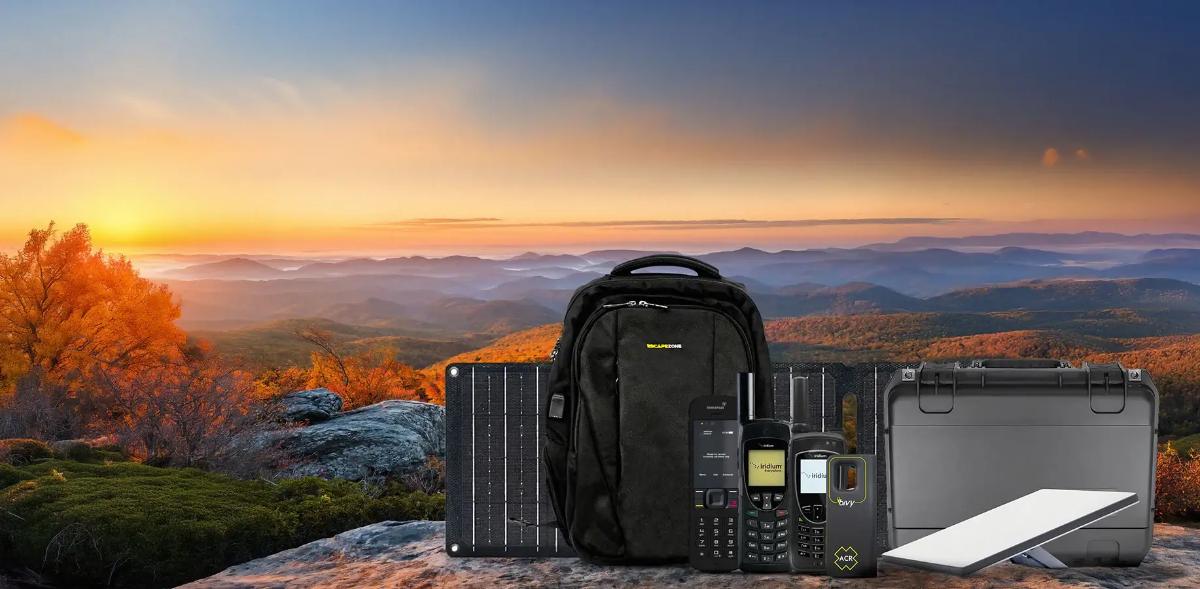
Batteries, chargers, antennas, docks and cases for the 9555, 9575 Extreme, 9505A and Iridium GO, plus GO exec antenna kits.
Explore →
IsatPhone accessories
IsatPhone 2 battery, chargers, external antenna kits with 4, 7 and 12 metre cables, and the Beam IsatDock 2 Lite, Drive, Pro and Marine docks.
Explore →
Globalstar accessories
The full GSP-1700 line: GPB-1700 battery, wall and vehicle chargers, GAT-17HX helix antenna, cases, headset and data kit.
Explore →
ICOM IC-SAT100 accessories
BP-300 batteries, BC-241 and 6-gang chargers, BC-247 docking station, speaker mics, headsets and the VE-PG4 RoIP gateway.
Explore →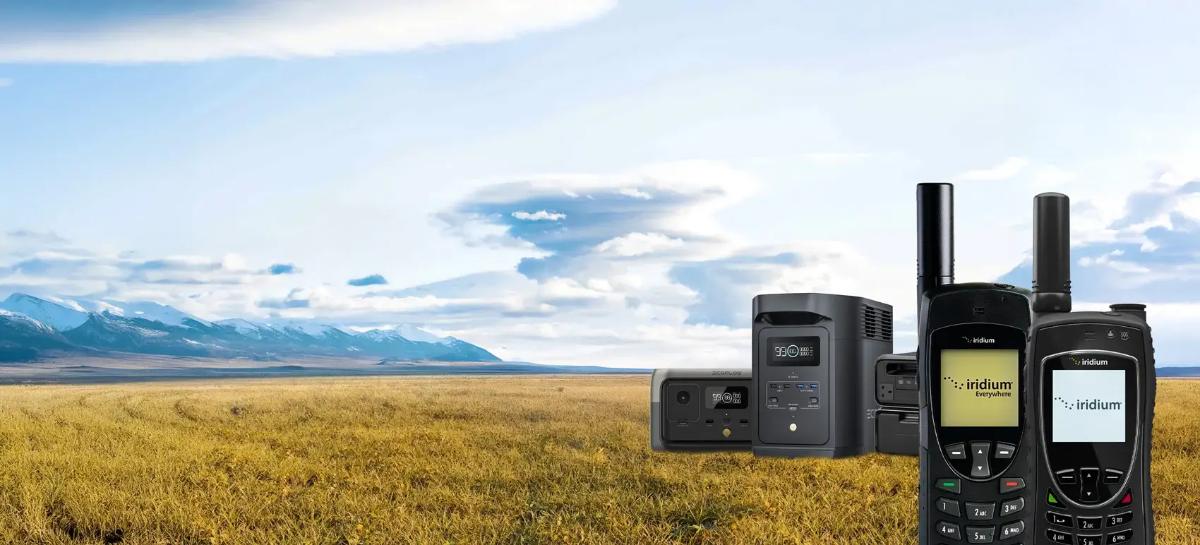
Satellite phones and radios
Do not own a handset yet? Start with the phone, then come back for the kit that fits it.
Explore →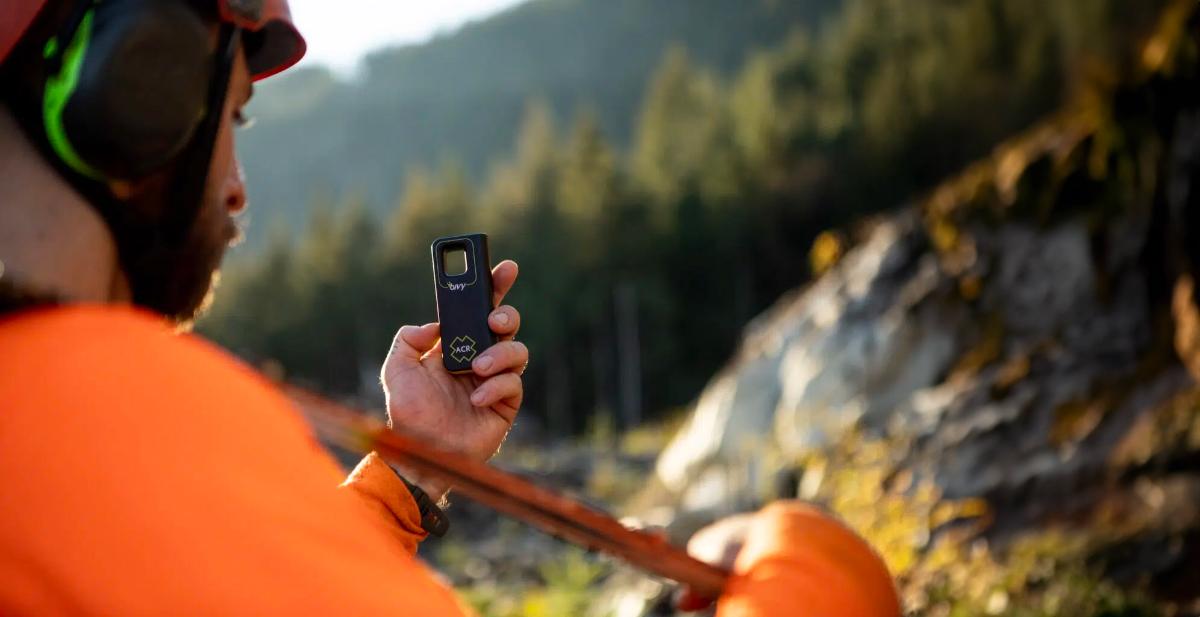
Off-grid power
Power stations and solar panels for running terminals, laptops and a base camp, not just a handset.
Explore →Build your kit: what to add for each scenario
The handset is the same. The accessories change with where you use it.

Vehicle, overland, fleet
12 V DC charger, magnetic mount antenna with the adapter for your handset, and a wired headset or drive dock so you can talk while moving. Fleets add a dock with GPS and a speaker mic per vehicle.
Explore →
Boat and offshore
Fixed or mast antenna with a cable run to the helm, a dock with an RJ11 port so the wheelhouse phone rings, and a hard case for the handset when it leaves the boat. Runs over 30 metres need an active antenna.
Explore →
Cabin, remote office, emergency shelter
Wall or window antenna, a dock or the GO wall mount, and a desk phone on the dock's RJ11 port. Keep a charged spare battery and the AC charger in the same drawer.
Explore →
Expedition and backcountry
Two spare batteries, a solar pack or USB power bank, a holster for the trail and a Faraday bag or dry pouch for the pack. Leave the antenna and dock at home; you will be outside anyway.
Explore →The four accessories to buy with any new satellite phone
If you buy nothing else, buy these. They cover the failures we hear about most.
A second battery for your exact model, charged and rotated with the first so neither sits flat.
A 12 V DC vehicle charger if your kit did not include one, because most trips start with a drive.
The antenna adapter for your handset and a magnetic mount antenna, so the phone works from inside the vehicle.
A holster for daily carry and a hard case for transport and storage.
A wired headset so you can hold the antenna upright and still hear.
Not sure which adapter or antenna fits your handset?
Tell us the model number on the back of the phone and where you will use it. We will confirm the connector, the cable length and whether you need an active antenna before you order.
Keep reading
From the Satmodo help centre
Inmarsat IsatPhone 2 Vehicular Antenna Setup InstructionsInmarsat IsatPhone 2: Battery Not ChargingCaring for your Inmarsat IsatPhone 2ICOM BC-247 Docking Station InstructionsICOM Battery MaintenanceHow To Use Iridium GO!Globalstar Product SupportFrequently asked questions
Do satellite phone accessories work across brands?
No. Batteries, chargers, holsters and antenna adapters are specific to the handset model. An Iridium 9575 battery does not fit a 9555, and an IsatPhone 2 antenna kit does not connect to an Iridium. External antennas themselves are network specific (Iridium or Inmarsat) and connect through a handset specific adapter. Shop within your brand's accessory page to avoid a return.
Why does my satellite phone not work inside my car?
Because the roof blocks the sky. Satellite signals come from orbit and do not pass through metal or most glass at the angles you need. An external magnetic mount antenna on the roof, connected through the adapter for your handset, lets you call from the driver's seat. A DC charger alone will keep the phone powered but will not fix the signal.
What is the difference between a passive and an active external antenna?
A passive antenna has no amplifier and is limited to roughly 30 metres of coaxial cable before the signal fades. An active antenna has a powered amplifier in the base and supports preset cable lengths from 27 metres to 160 metres. Vehicles and cabins use passive antennas. Vessels and buildings with long mast to office runs use active antennas.
How long does a satellite phone battery last?
It depends on the model. The Iridium 9555 is rated for about 4 hours of talk and 30 hours of standby, the IsatPhone 2 for up to 8 hours of talk, and the Globalstar GPB-1700 for up to 4 hours of talk and 36 hours of standby. Cold weather and poor signal both shorten these figures, which is why a spare battery is the first accessory to buy.
Can I charge a satellite phone from a USB power bank or solar panel?
Yes, if the handset has a USB charging path. Iridium 9505A, 9555, 9575 and PTT handsets charge from a 5 V USB source such as the 30,000 mAh solar pack in the Deluxe Iridium Solar Kit. Check your handset's charging input before buying a generic bank. For running terminals or a base camp, a power station from Off-Grid Power is the better tool.
What does a docking station actually do?
It holds the handset, charges it, connects it to an external antenna, and adds interfaces the phone does not have on its own. Depending on the model that can mean a hands free speaker and microphone, a built in GPS receiver for tracking, an RJ11 port for a desk phone or PBX, Bluetooth and a privacy handset. Take the phone out of the dock and it is portable again.
Which dock do I need: Lite, Drive, Pro or Marine?
Lite if you want charging and an antenna port in a fixed spot. Drive if it lives in a vehicle and you need GPS tracking plus a speaker and mic for hands free calls. Pro if you want an ordinary desk phone or PBX extension to ring through the satellite phone. Marine if you need the Pro features in an IP54 rated housing for a wheelhouse. Docks are handset specific, so check the IsatPhone or Iridium page for your model.
Is a Faraday bag the same as a waterproof case?
No. A Faraday bag blocks radio signals so the device inside cannot transmit, receive or be tracked; the EscapeZone manufacturer states it blocks cellular, GPS, Wi-Fi, Bluetooth and RFID. It offers no protection against water or impact. Use it inside a hard case if you need both.
Are satellite phones waterproof?
Most are water resistant, not waterproof. The Iridium 9555, 9575 Extreme and IsatPhone 2 are rated IP65, which means dust tight and protected against water jets, not submersion. The ICOM IC-SAT100 is IP67, rated for one metre of water for 30 minutes. A dry pouch or hard case is still the right call on a boat.
Can I use a headset while the phone is in a dock?
Usually yes. Most docks have a hands free jack, and Drive docks include a speaker and microphone. For a private conversation in a cab or on a bridge, a corded privacy handset plugs into the dock instead. Pro and Marine docks also let you plug in a standard corded or cordless desk phone through the RJ11 port.
What should be in a satellite phone emergency kit?
The handset, two charged batteries, the AC charger with plug adapters, a DC vehicle charger, a magnetic antenna and adapter, a wired headset, and a printed user guide, all in a hard case with cut foam. Test it every quarter and rotate the batteries. Our emergency preparedness page covers the plan side.
Can you help me choose the right accessories for my handset?
Yes. Call (800) 279-2366 with your handset model and how you plan to use it, and a specialist will confirm the connector type, cable length and which dock tier fits. We also rent handsets with kits at Rental if you need the setup for one trip.
Loading...